


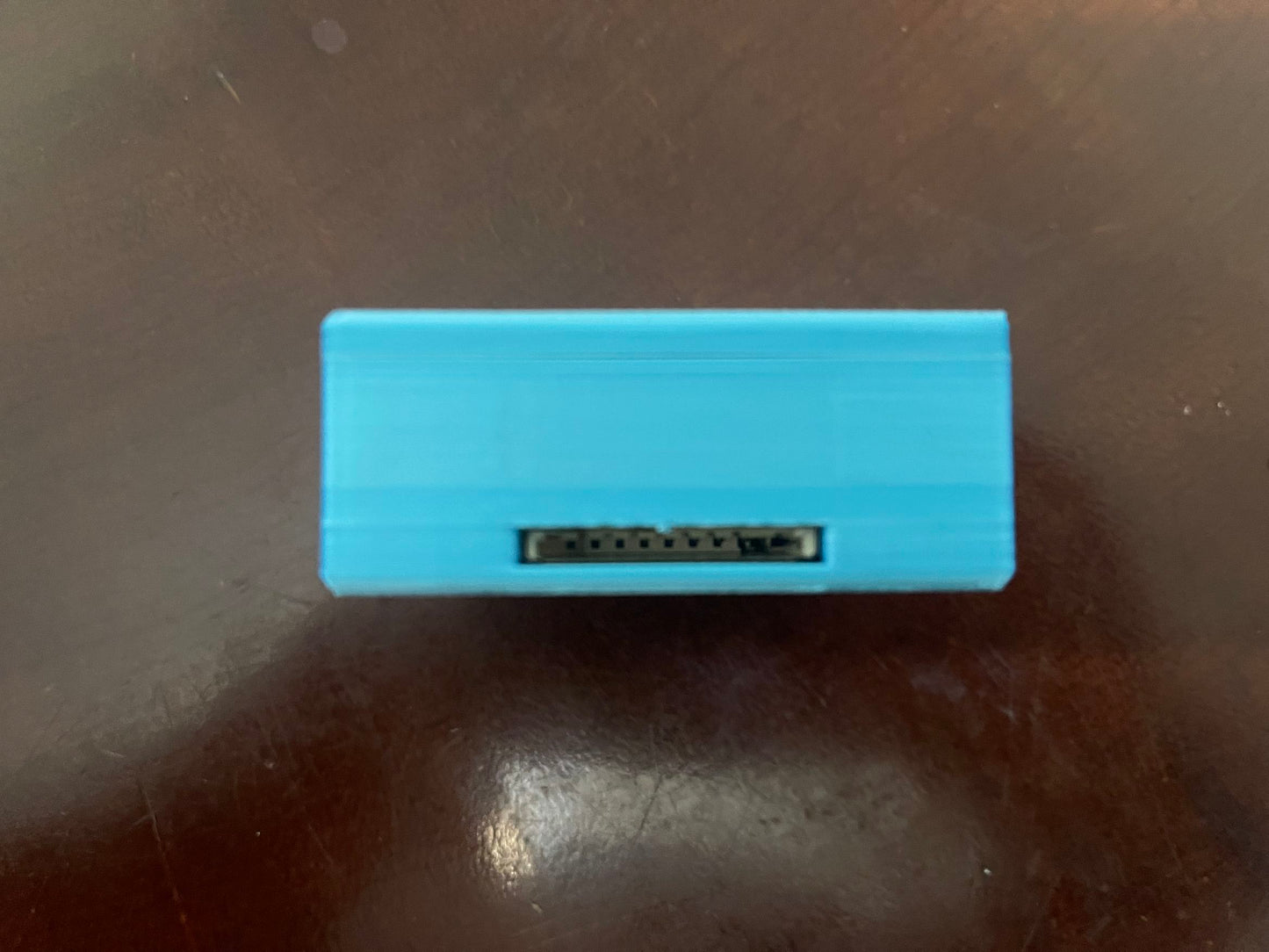
Technical details
Description, documents, and source code.
BlueSCSI v1 SD-Card SCSI Storage Emulator
Replace a legacy SCSI hard drive with disk images stored on a microSD card. BlueSCSI v1 is intended for compatible vintage computers, including supported Macintosh systems, and provides a solid-state alternative to an aging mechanical drive.
Version supplied
This listing is for BlueSCSI v1. It uses the v1 hardware and firmware family. Raspberry Pi Pico, Wi-Fi and other BlueSCSI v2 features are not part of this v1 listing.
Supplied configuration
- Assembled BlueSCSI v1 adapter with an external DB25 SCSI connection.
- Enclosure and SD card included.
How it works
Prepare a compatible disk image on a microSD card and configure its filename and SCSI ID using the v1 documentation. The host computer accesses the image as a SCSI storage device. An operating system and suitable disk drivers may need to be installed in the image.
Compatibility and installation
- Check your computer model, SCSI connector and required adapters before ordering.
- Power and SCSI termination requirements depend on the host computer and installation. Some systems require a separate power connection.
- Use the documentation for BlueSCSI v1 when preparing images, configuring the device or selecting firmware.
- Switch off the computer before installing or changing hardware connections.